You simply install it, create, save, and copy it to your hosting.
some details about our elements
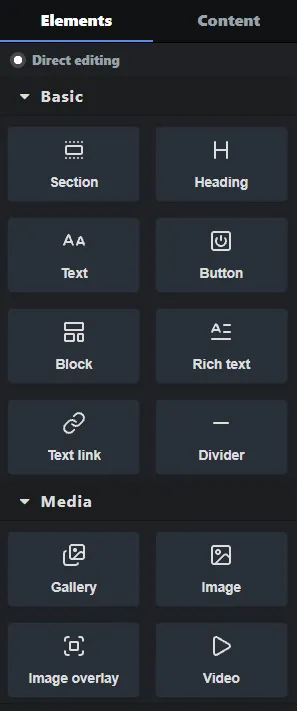
Section and block for containing the various elements and organizing them.
2 Text types: one with direct in-window editing, and the other of the Rich Text type.
Gallery: grid or masonry type.
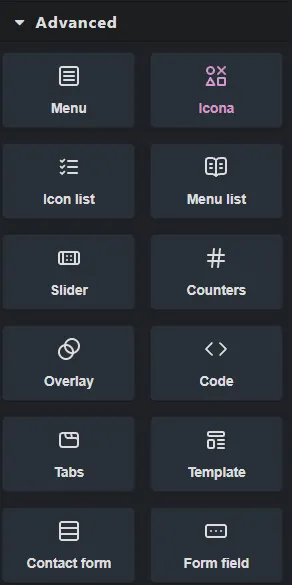
Menu: Header tree menu with responsive mobile hamburger menu.
Icon: More of 7000 icons.
Menu list: ideal for restaurant menus
Slider: Fully configurable sliding or fading effects
Code: of the HTML, CSS, and JavaScript type
some details about our elements
All elements can be hidden in the backend and/or the frontend, including based on screen resolution (responsive).
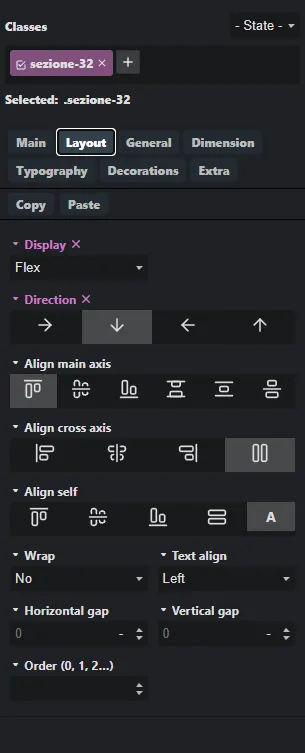
It is possible for an element to be 'block' on desktop and 'flex' on tablet or mobile.
You can arrange all the elements however you like, using the "Order" command.
some details about our elements
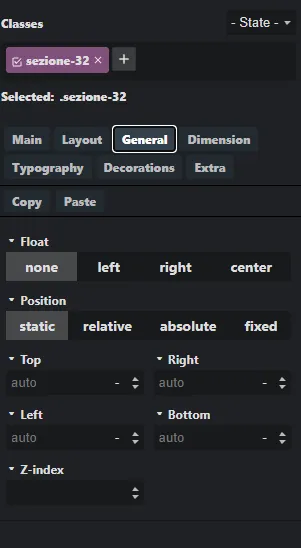
Flexibility to choose how and where to position elements.
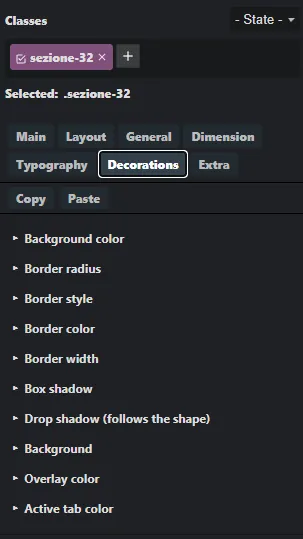
Various decoration options, including:
Background color, rounded corners, drop shadows, shadows for images with an alpha channel or cut-out images, background images, and color overlays.
some details about our elements
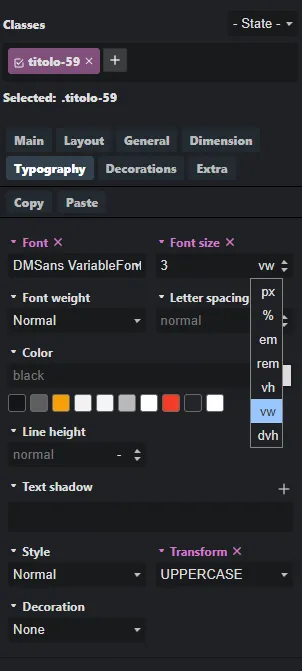
Text: it inherits all global styles, yet allows for the local overriding of any parameters.
Rich Text: Rich Text: combining text, headings, links, images, and formatting elements into a single block.
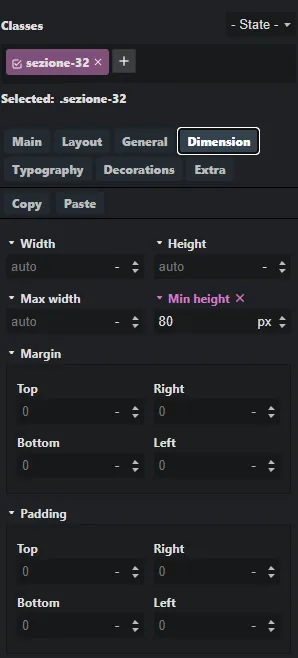
All the essential tools for aligning elements: dimensions in px, %, rem, em, vh, vw, and dvh.
It also accepts calc(), for example: calc(100vh - 80px).
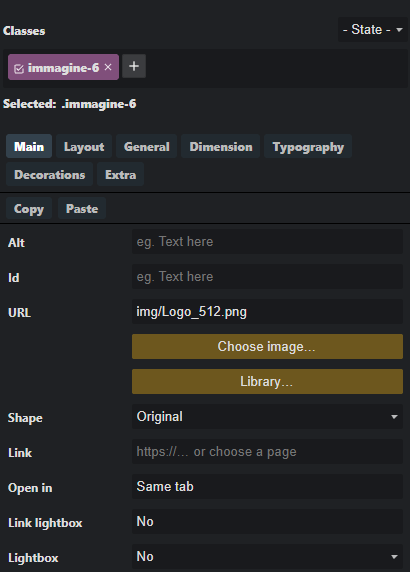
Images can be uploaded directly or retrieved from the library.
They can be cropped into various shapes.
In addition to the traditional Lightbox, they can also be set to open a different image or video.
some details about our elements
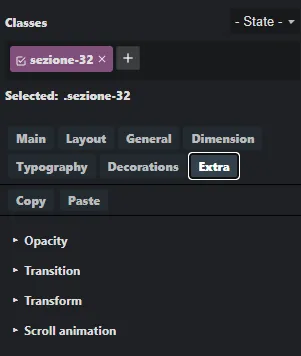
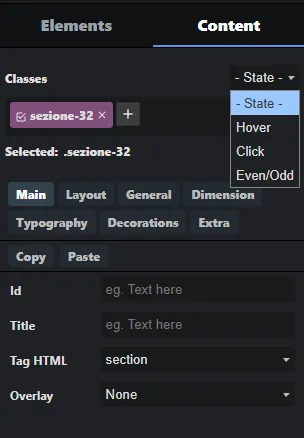
There are transition, entry, and scrolling effects, which are also triggered by mouse hover and click actions.
It is possible to use standard HTML classes to share parameters across multiple elements.
some details about our elements
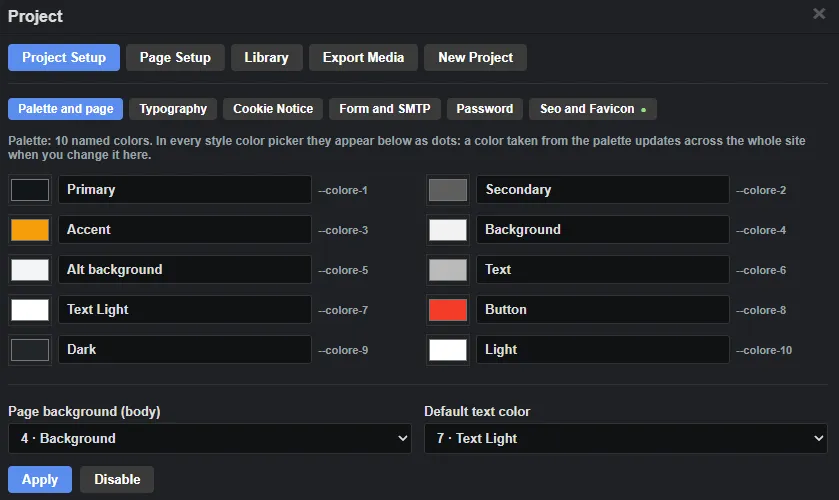
Global Colors: Predefined global color settings help speed up website creation and maintain visual consistency throughout the project. Individual colors can, of course, be customized whenever needed.
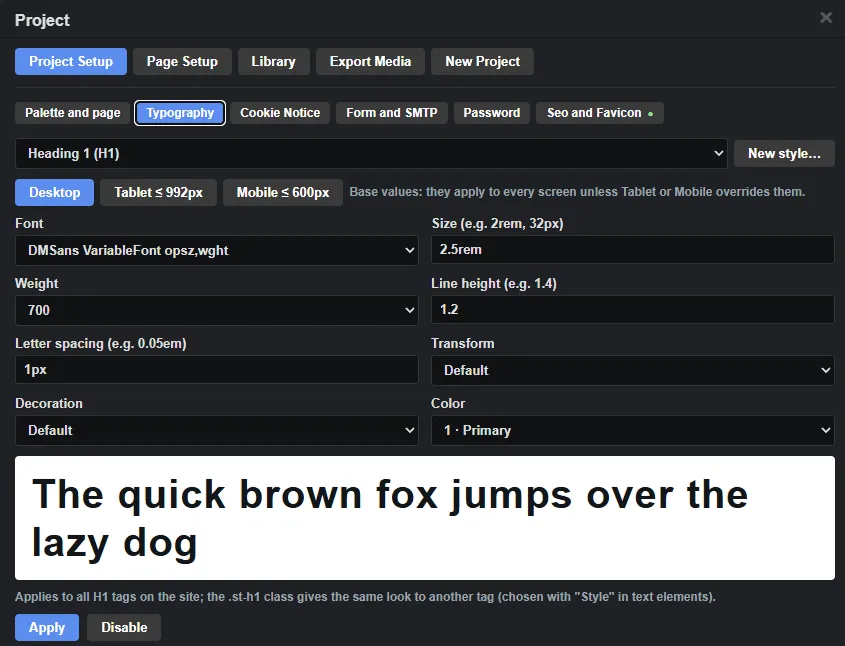
Responsive Settings: Global settings can be customized independently for different screen resolutions, ensuring full control over the website's responsive appearance.
Custom Fonts: Add your own fonts simply by copying the font files into the project's /fonts folder.
Cookie Notice & Password Protection: Includes a cookie consent notice and the option to password-protect the entire website (maintenance mode) or selected individual pages.
SEO Settings: General SEO settings for the entire website, as well as dedicated settings for each individual page.
Export Media: At the end of the project, use the Export Media tool to identify and filter out unused images and videos, helping keep your project clean and organized.
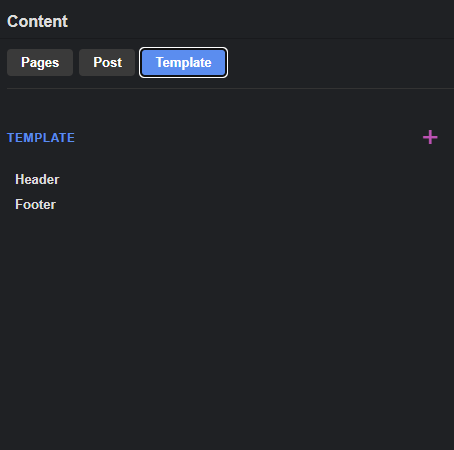
some details about our elements
You can create templates and apply them to different pages across the website.
Header and Footer templates are also available.
On every page, you can choose to disable the Header and Footer, for example, when creating landing pages or pages in different languages.
The Header can be set to sticky, with custom dimensions and adjustable transparency to suit your design.
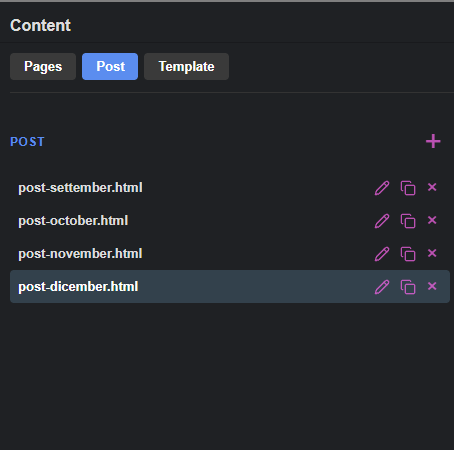
some details about our elements
To accommodate those who wish to build a website that includes articles, we have added the ability to manage "posts" in a way similar to WordPress.
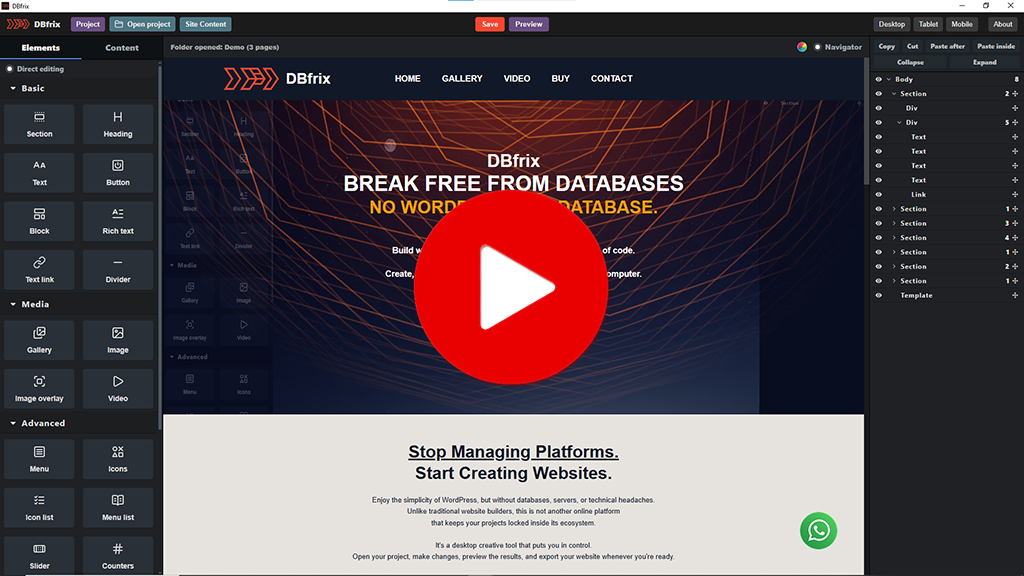
How to buy, download, and install DBfrix - HTML Visual Builder
Let’s get started. Let's take a look at our DBfrix interface.
Let’s save the project and set the global parameters for text and colors.
We’ll also add custom fonts to DBfrix.
Let’s add some icons, text with a custom font, and rich text in DBfrix.

Copyright © 2026 DBfrix. All rights reserved.